



0+ other loving customers

Apni Prerna Aapke Baccho ka Digital Sathi

Apni Prerna helps parents create a safer digital space for children by blocking harmful sites, reducing distractions, and promoting responsible technology use.

Students Protected
0 +
Learning Centres
0 +
Parent Satisfaction
0 %

Trusted by
100 + Organizations Across India

Your trusted digital parenting assistant

Guide

Help your child stay focused by understanding their learning journey and encouraging better digital habits.

Protect

Ensure a safe learning environment by blocking distractions and harmful content across devices.

Empower

Support your child’s growth with meaningful insights and help them build responsible technology habits.

Apni Prerna Gives You Complete
Visibility
Into Your Child’s Learning

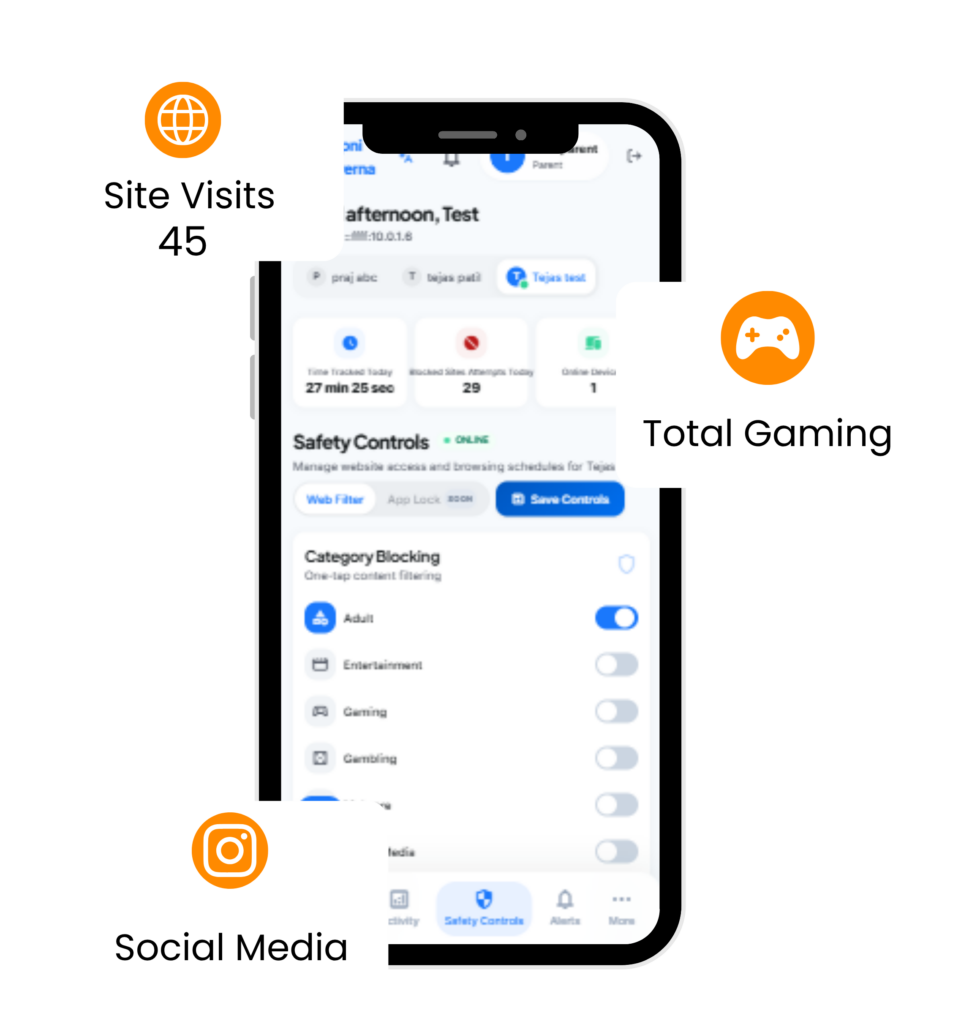
Not just control clear insights into what your child is actually doing on the computer.

Core Safety

Blocks harmful websites automatically to keep children safe while using the computer.

Study Focus

Reduces online distractions during study hours so learning stays on track.

Parent Reports

Provides simple activity summaries so parents can understand usage at a glance.

Healthy Habits

Encourages responsible digital habits for children over time.

Learning First

Designed specifically for learning environments families, schools, and communities.

Full Control

Parents decide what content is accessible and manage system usage duration.

Apni Prerna Gives You Complete Visibility Into Your Child’s Learning
image 1

Smart Screen Time Controls

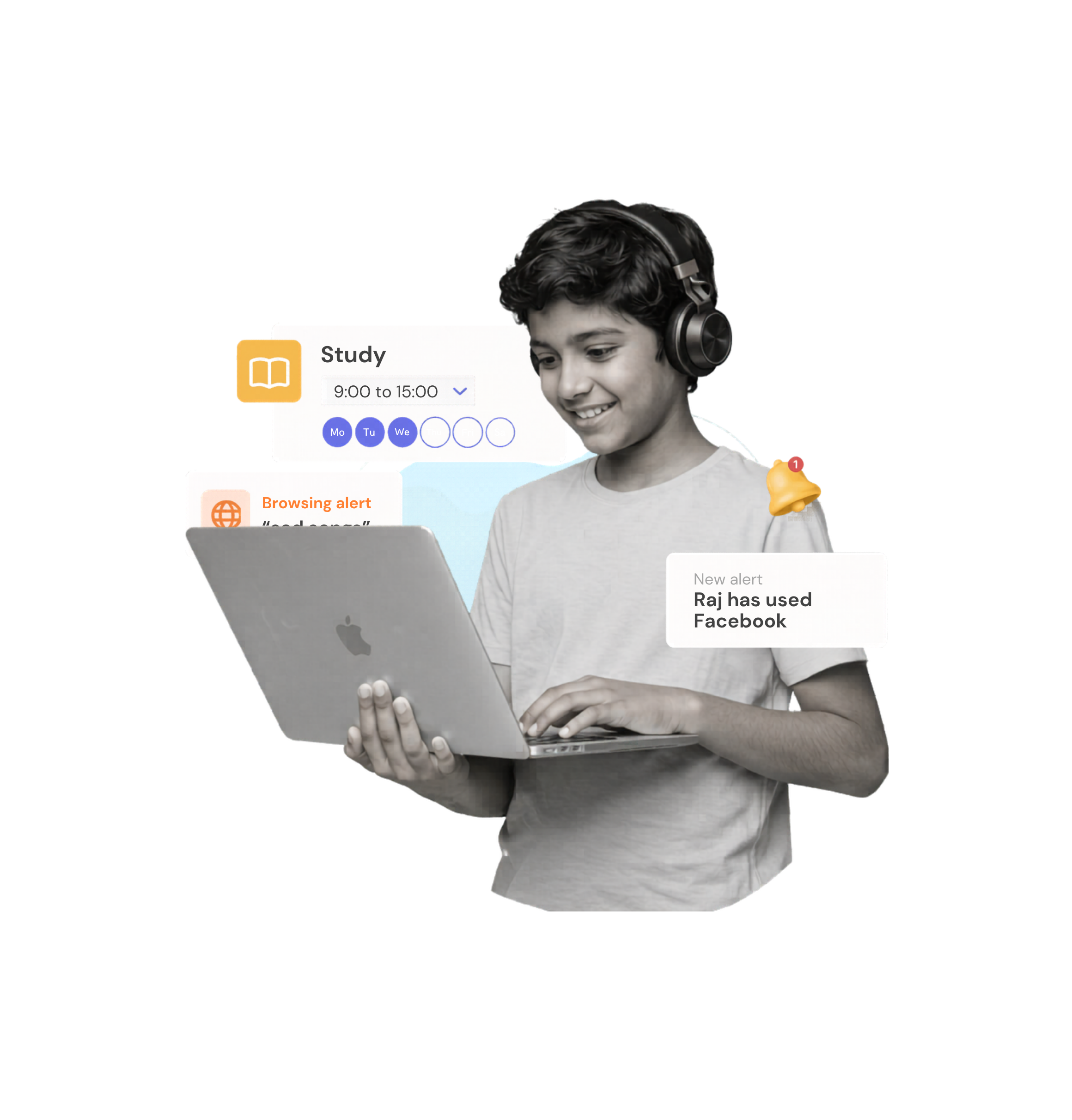
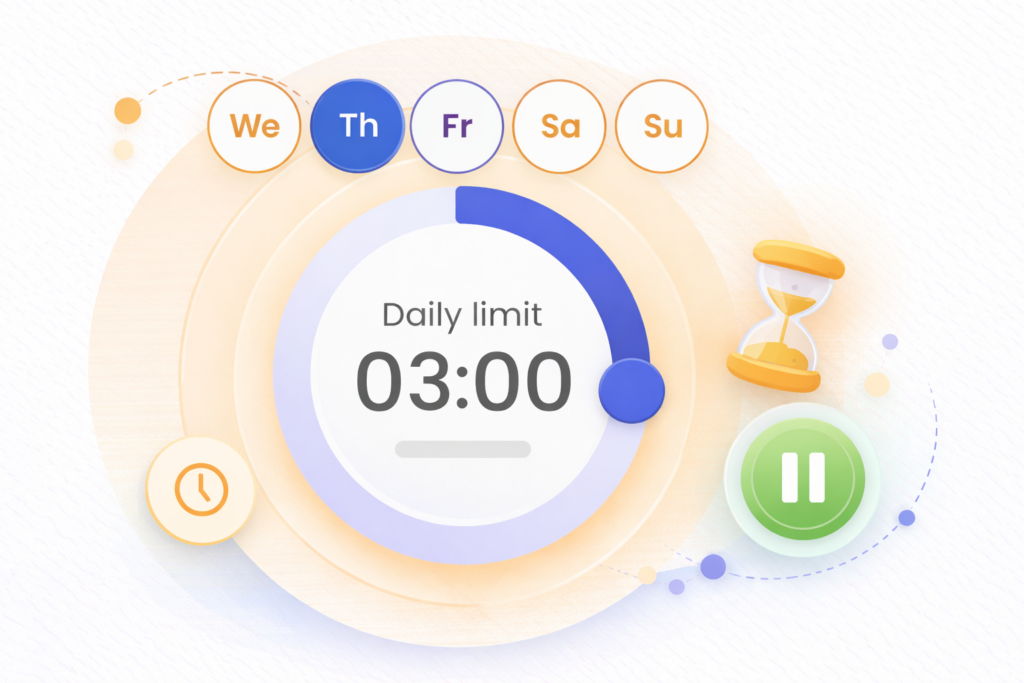
Foster balanced and responsible device usage among kids by using ultimate screen time controls to limit screen time, set daily app limits, and schedule the internet.

Filter Content & Apps

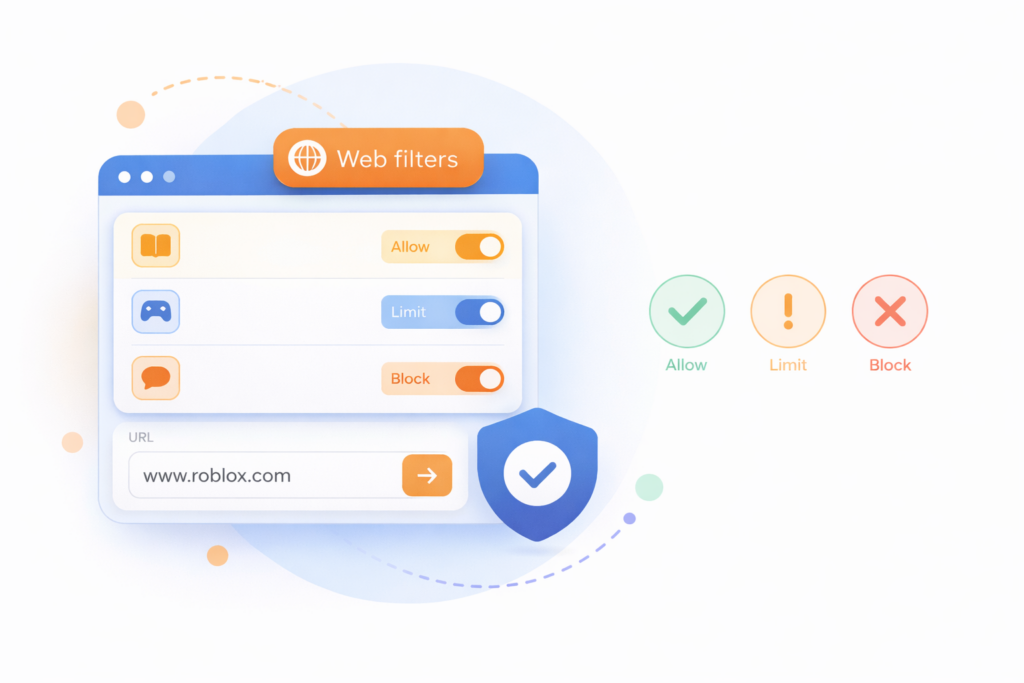
Keep the age-inappropriate content, apps & games out of your child’s access. Block apps & games, filter websites, and enable safe searches with content safety tools.

Monitor Kid’s Phone Activities

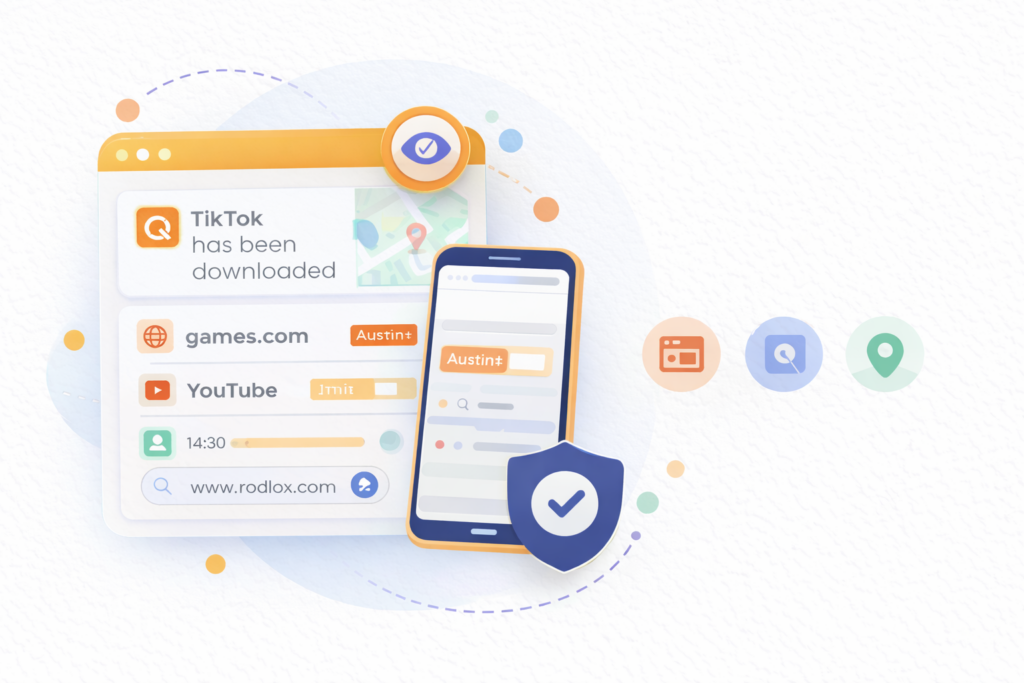
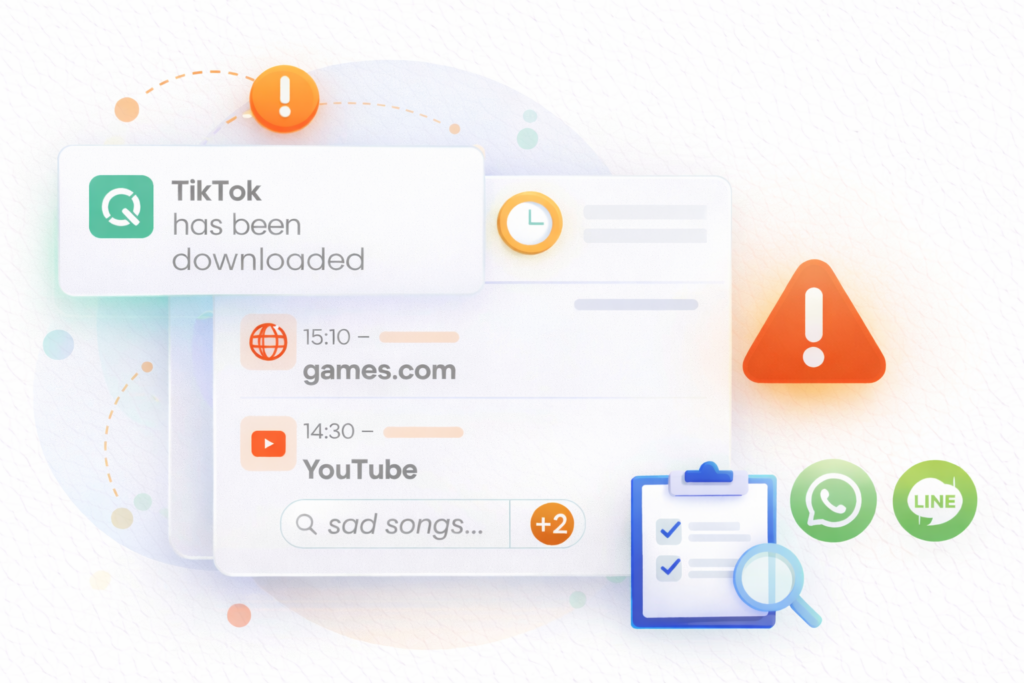
Stay up to date with your child’s digital activities by cell phone monitoring, reviewing web searches, social media , and more to set or change rules accordingly.

We’re here to help with your concerns

Whatever their age and needs, ApniPrerna help reduce the risks your kids face online.

Mental Health Problem

Use ApniPrerna to set screen time limits and monitor social media content which can help reduce your child’s risk of developing depression and low self-esteem.

Online/Offline balance

ApniPrerna enables you to set screen-free periods so you can make sure your child enjoys quality time away from their devices.

Real-Time Feed

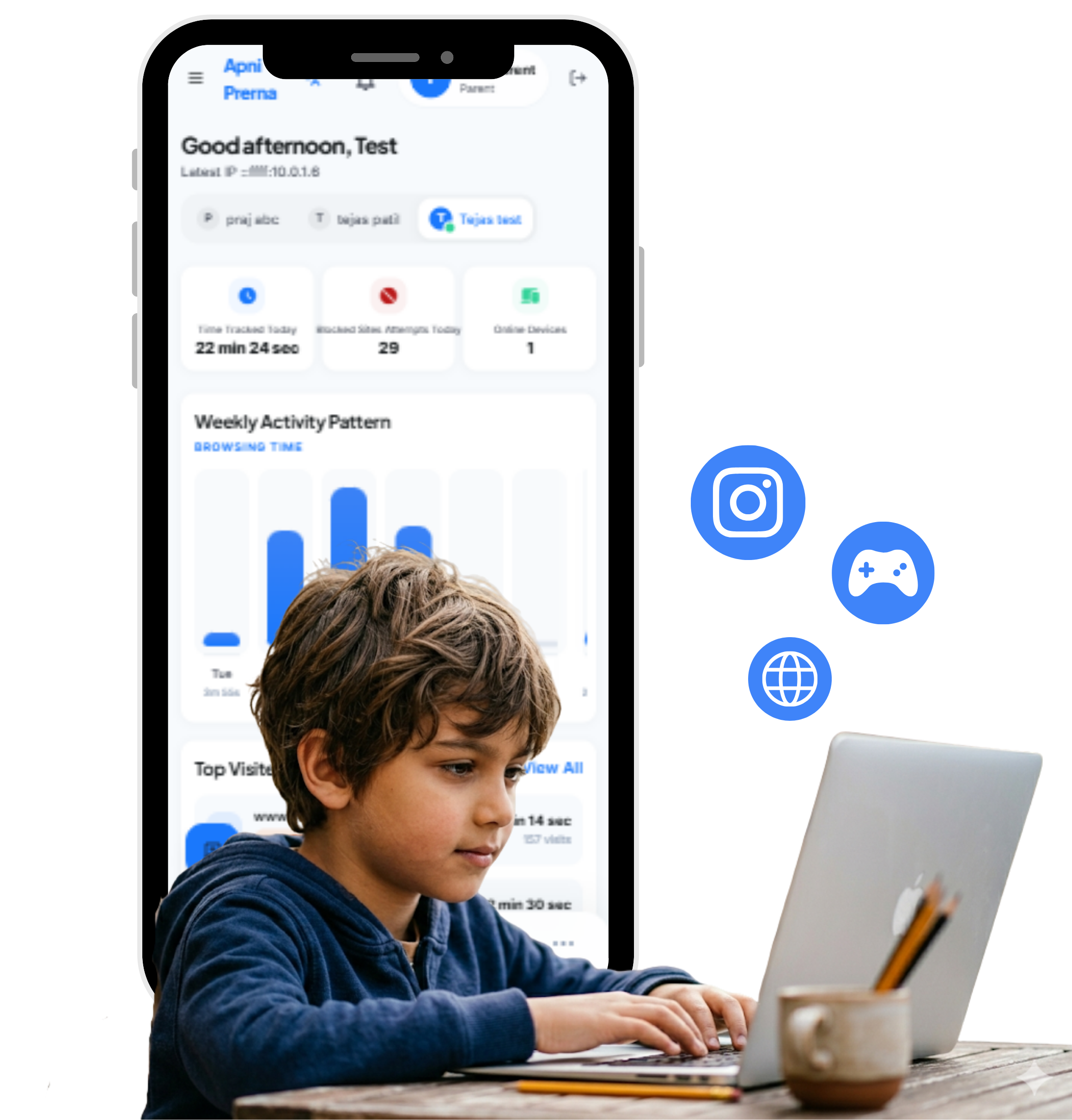
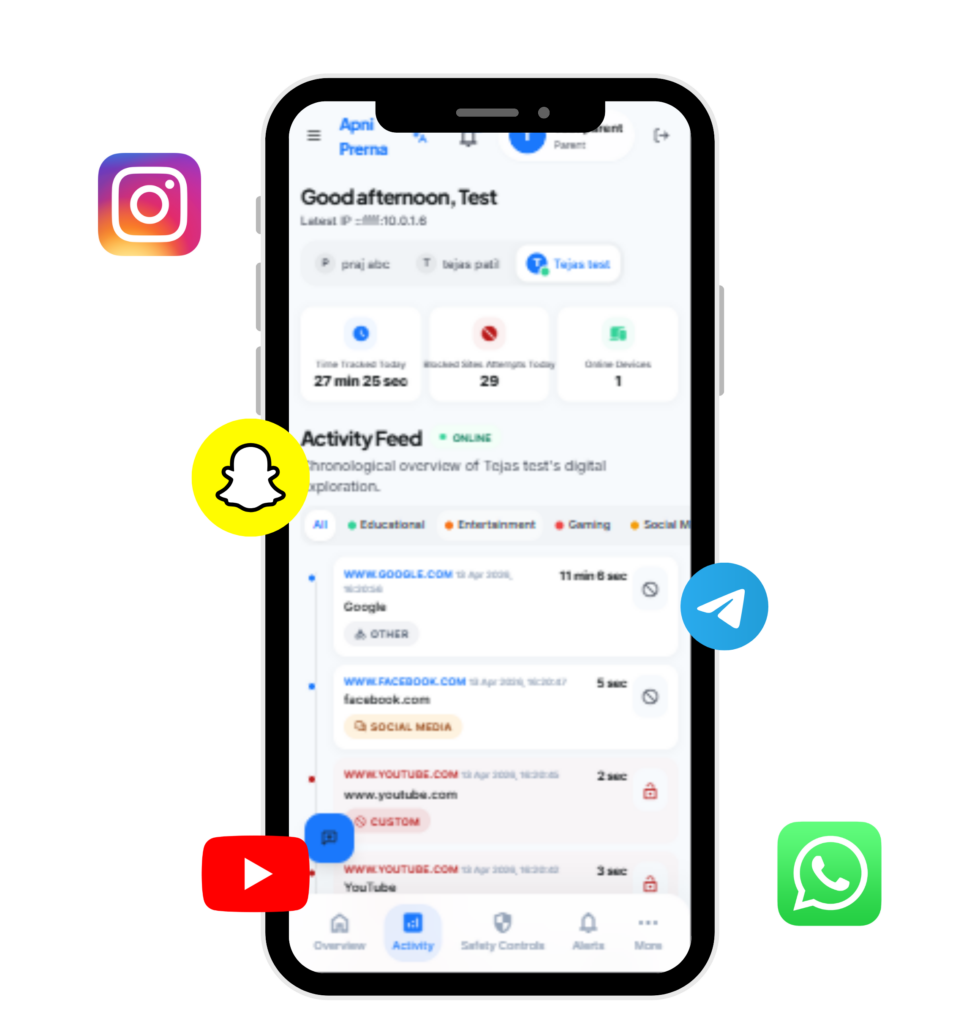
Apni Prerna lets you supervise your child’s activity – like a live video of their browsing 

Inappropriate content

Use ApniPrerna to block adult websites and monitor your child’s YouTube views to prevent them from viewing upsetting content.

Sleep Problems

Use Apni Prerna to set screen-free periods before bed so your child can avoid sleep-disrupting blue light.

Online Addiction

Use ApniPrerna to set screen-free periods before bed so your child can avoid sleep-disrupting blue light.

Education Issue

ApniPrerna enables you to filter the websites, apps and videos your child can view to reduce distractions from their education.

Gaming Addiction

Use ApniPrerna to set time limits for specific games, or block them completely, to ensure your child doesn’t get addicted to gaming.

EXPLORE OUR FEATURES

Everything you need to keep your kids safe online

Filter content & apps

Block or limit inappropriate apps and websites, allowing your kids to safely explore child-friendly content.

Monitor activity

Track your child’s browsing, social media, and more, all in real-time.

Set time limits

Establish healthy habits with time limits, scheduled breaks, and internet pauses.

Set custom routines

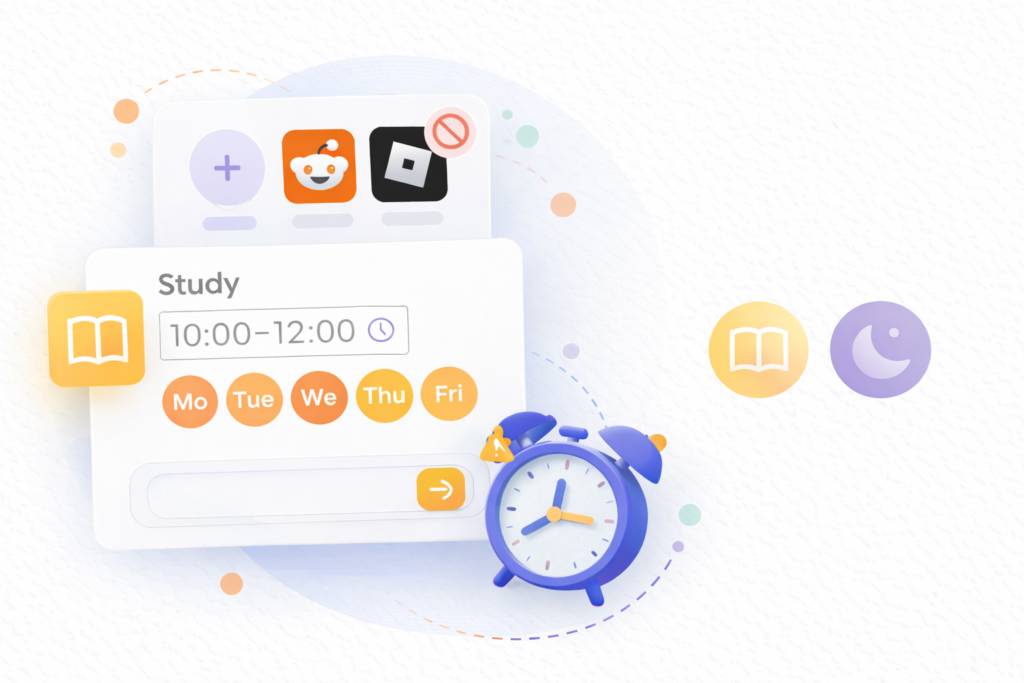
Set screen-free times for activities like study or bedtime to help your child focus.

Social monitoring

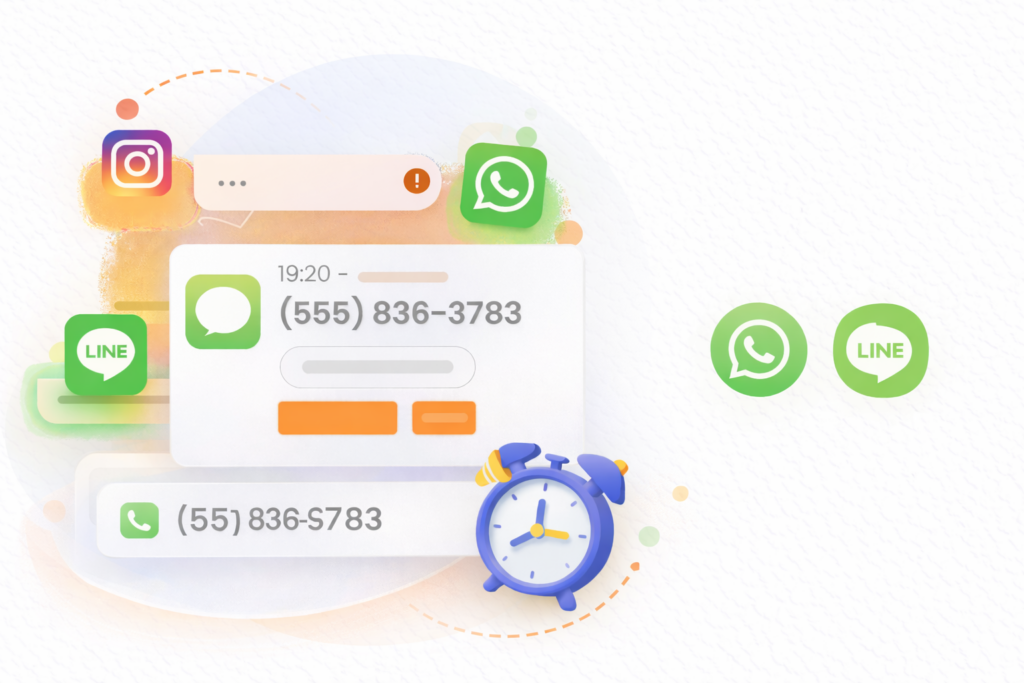
Track your child’s social activity on WhatsApp, Instagram , and receive instant alerts for anything concerning.

Repeated Attempt Alerts

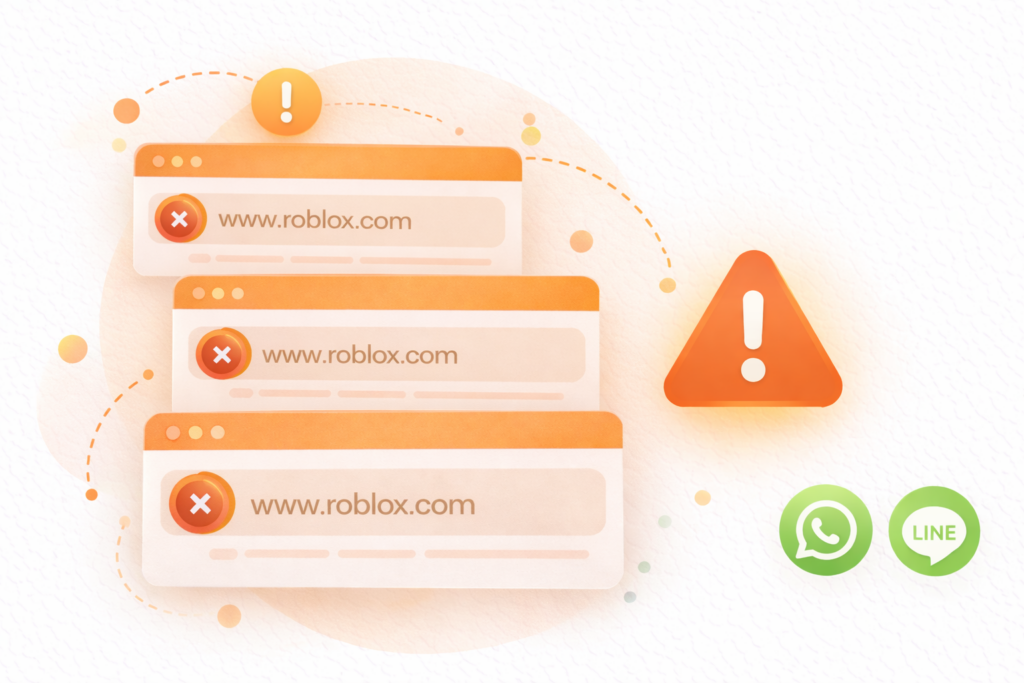
Get notified if student keeps trying to visit the same blocked site

Get reports and alerts

Receive daily and weekly activity reports, plus use search alerts to monitor your childs browsing, and be alerted instantly to anything concerning.

Real-Time Blocking
Category Filtering
Custom Blocklist
Allow-Only Mode
Time Restrictions
Parent Dashboard
Child Activity Insights
Safety Controls
Weekly Reports
Activity Reports
Blocked Attempts
Visual Charts
Trend Analysis
Real-Time Blocking
Category Filtering
Custom Blocklist
Allow-Only Mode
Time Restrictions
Parent Dashboard
Child Activity Insights
Safety Controls
Weekly Reports
Activity Reports
Blocked Attempts
Visual Charts
Trend Analysis
Weekly Reports
Activity Reports
Blocked Attempts
Visual Charts
Trend Analysis
Real-Time Blocking
Category Filtering
Custom Blocklist
Allow-Only Mode
Time Restrictions
Weekly Reports
Activity Reports
Blocked Attempts
Visual Charts
Trend Analysis
Real-Time Blocking
Category Filtering
Custom Blocklist
Allow-Only Mode
Time Restrictions

How Apni Prerna Works

Get Started in 3 Simple Steps

01
Create an Account

Parents sign up and choose the subscription plan that fits their needs.

02
Install on Child's Computer

Apni Prerna is installed on the student device to begin protection and monitoring.

03
Monitor & Protect

The software works in the background — parents review summaries and alerts anytime.

1
Create an Account
Parents sign up and choose the subscription plan that fits their needs.
2
Install on Child's Computer
Apni Prerna is installed on the student device to begin protection and monitoring.
3
Monitor & Protect
The software works in the background — parents review summaries anytime.

01

Create an Account

Parents sign up and choose the subscription plan that fits their needs.

02

Install on the Child's Computer

Apni Prerna is installed on the student device to begin protection and rule enforcement.

03

Monitor and Protect Automatically

Once installed, the software works in the background and parents can review summaries and alerts.

Parent Dashboard for Clear Activity Insights

A simple dashboard showing how the computer is being used  browse activity, detect unsafe sites, and guide better habits

Live browser tracking

Website Monitoring

See which websites are being visited, how often they are accessed, and how much time is spent on each site. This helps track browsing behavior clearly and gives a better understanding of overall digital usage.

Blocked website activity

Blocked websites

Automatically blocks harmful, unsafe, or distracting websites using predefined rules. This creates a safer digital environment and helps students stay focused on productive learning.

Learning report view

Activity Reports

View daily and weekly browsing insights through clear reports. These reports help identify activity patterns, top websites, blocked attempts, and overall engagement trends.

Long-term usage history

Usage History

Track past browsing activity in a simple and organized way. Review which websites were visited, when they were accessed, and how long they were used to understand long-term usage patterns.

Live browser tracking

Website Monitoring

See which websites are being visited, how often they are accessed, and how much time is spent on each site. This helps track browsing behavior clearly and gives a better understanding of overall digital usage.

Blocked website activity

Blocked website activity

Automatically blocks harmful, unsafe, or distracting websites using predefined rules. This creates a safer digital environment and helps students stay focused on productive learning.

Learning report view

Activity Reports

View daily and weekly browsing insights through clear reports. These reports help identify activity patterns, top websites, blocked attempts, and overall engagement trends.

Long-term usage history

Usage History

Track past browsing activity in a simple and organized way. Review which websites were visited, when they were accessed, and how long they were used to understand long-term usage patterns.

What Parents Say About Apni Prerna

Working together to build a safer digital learning environment for students across India.

Join 0+ other loving customers

As children rely more on digital learning, ensuring their online safety is important. Apni Prerna helps create a safe environment by reducing distractions, blocking harmful content, and responsible learning.

Dr. Aniruddha Malpani
Founder, Malpani Ventures
At Apni Pathshala, we understand the importance of safe digital learning. Apni Prerna helps parents and educators ensure computers stay focused on learning, not distractions or risks.

Sagar Tiwari
Parent

What Parents Say About Apni Prerna

ApniPrerna gives me the peace of mind that I have been looking for to ensure my kids are safe online.
Sagar Tiwari
Parent
With Apni Prerna, I don’t have to struggle to balance my daughter’s online independence with her safety.

Pranav Gorathe
Parent
Apni Pathshala promotes safe digital learning. Apni Prerna keeps devices focused on education.

Aniket Kadam
Mentor
Finally, I can see what my children are actually doing on the computer. Apni Prerna gave me peace of mind I never had before.
Devartha
Parent
My son's study time improved dramatically once we set up website controls. No more distractions during homework hours!

Varsha Rathod
Parent
We use Apni Prerna across our learning centre. The reports are simple and parents love the transparency it provides.
Saiprasad
Mentor
Give Your Child a Safe Digital Learning Environment

Free for First 100 Parents — Limited Time Only

Special Launch Offer
Free
For first 100 parents
  • Track your child's learning progress
  • Get weekly parent reports
  • Monitor real-time activity
  • Ensure safe, distraction-free usage
  • Educational PC monitoring
Get Free Access →
Limited seats available • Early access only

Pricing

Special Launch Offer
Free
For first 100 parents
Apni Prerna helps parents create a safer digital environment for children by blocking harmful content, minimizing distractions, and encouraging responsible screen habits.
Get Free Access
Give Your Child a Safer Digital Future
  • Track your child's learning progress
  • Get weekly parent reports
  • Monitor real-time activity
  • Ensure safe, distraction-free usage
  • Educational PC monitoring
Special Launch Offer
Free
For first 100 parents
Apni Prerna helps parents create a safer digital environment for children by blocking harmful content, minimizing distractions, and encouraging responsible screen habits.
Get Free Access

Give Your Child a Safer Digital Future
  • Track your child’s learning progress
  • Get weekly parent reports
  • Monitor real-time activity
  • Ensure safe, distraction-free usage
  • Educational PC monitoring

Free

For first 100 parents

Apni Prerna helps parents create a safer digital environment for children by blocking harmful content, minimizing distractions, and encouraging responsible screen habits.

Give Your child a Safer Digital Future

✔ Track your child’s learning progress
✔ Get weekly parent reports
✔ Monitor real-time activity
✔ Ensure safe, distracyion- free usage
✔ Educational PC monitoring

Frequently Asked Questions

Find quick answers to the most common support questions

Still Have Questions?

Still have questions? Feel free to get in touch
with us today!

What type of websites does Apni Prerna block?

It blocks harmful or inappropriate websites such as adult content, gambling pages, unsafe links, malware sources, and other risky websites.

Is the software monitoring my child activity?

It provides parents with simplified activity summaries, blocked website information, safety alerts, and usage reports focused on safe device use.

Can parents view activity reports?

Yes. Parents can access summaries, alerts, blocked site information, device status, and weekly usage reports depending on the selected plan.

How easy is the installation process?

The setup is simple: create an account, install the software on the child computer, and let the platform begin protecting the device.

What devices can run Apni Prerna?

The website presents Apni Prerna as software for protecting student computers and internet usage in home and learning environments.

Can schools and learning centres use it?

Yes. The platform can also support schools, educational institutions, learning centres, and digital learning programs.

Does it help reduce distractions during study time?

Yes. Distraction control is a core feature and is designed to reduce access to gaming, entertainment, and non-learning websites during productive hours.

Still Have Questions?

Still have questions? Feel free to get in touch with us today!

+ What type of websites does Apni Prerna block?
It blocks harmful or inappropriate websites such as adult content, gambling pages, unsafe links, malware sources, and other risky websites.
+ Is the software monitoring my child activity?
It provides parents with simplified activity summaries, blocked website information, safety alerts, and usage reports focused on safe device use.
+ How easy is the installation process?
The setup is simple: create an account, install the software on the child computer, and let the platform begin protecting the device.
+ Can parents view activity reports?
Yes. Parents can access summaries, alerts, blocked site information, device status, and weekly usage reports depending on the selected plan.
+ What devices can run Apni Prerna?
The platform is designed to protect student computers and internet usage in home and learning environments.
+ Can schools and learning centres use it?
Yes. The platform supports schools, educational institutions, learning centres, and digital learning programs.
+ Does it help reduce distractions during study time?
Yes. It helps reduce access to gaming, entertainment, and non-learning websites during productive hours.

“ We understand your child’s learning needs.
We help you stay aware of their progress & ensure a safe, focused digital environment.
Best part is we also support you with the right solutions. ”

Dr. Aniruddha Malpani

Special Offer for Early Users : Apni Prerna is FREE for the first 100 parents.